

Ever felt that agony when your camera’s buffer fills up during a perfect shot? It’s a modern pain we’ve all experienced. We watch the blinking light, hoping it won’t stop beating.
The industry promises us amazing speeds—up to 2000MB/s transfer speed!—but how does it hold up in real life?
Let’s get real. Your Thunderbolt 4 port is fast, but the memory card is the real test. Is it a reliable car or a sports car that breaks down quickly?
It’s all about finding the right card, like the UHS-II. It’s not just about speed. It’s about delivering your team’s data safely and reliably.
Tools like the Clouzen Offloader make this process easier. It turns chaotic card dumping into a smooth, verified process. It’s like a digital age consumer report, with a bit of humor about our love for big numbers.
Dual-Slot Redundancy Strategy
Data redundancy is more than just a tech term; it’s a mindset. It begins with the camera you use. Relying on one memory card is like trusting a single rope on a climbing wall. It should hold, but if it doesn’t, the consequences are severe.
A dual-slot redundancy strategy acts as your insurance. It’s the difference between a small issue and a major career setback. Let’s look at the two main ideas that make your camera a safe haven.
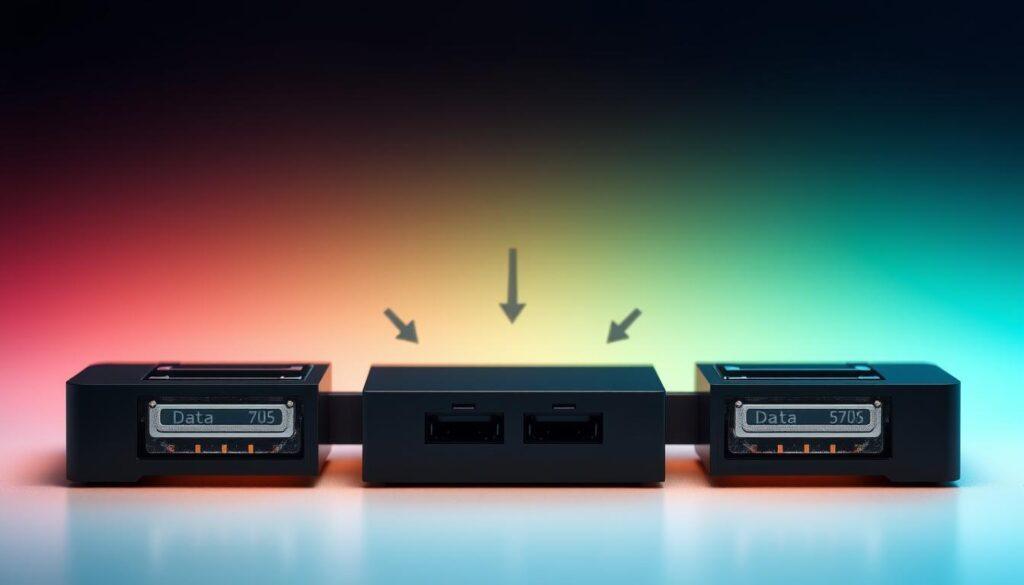
Mirroring is the most secure option. It’s like RAID 1 in servers, writing every shot to both cards at once. Your second card isn’t just extra space; it’s a live backup.
Sequential overflow fills the first card before moving to the second. It’s great for long shoots because it uses all available space. But, it’s not true redundancy. If the first card fails, all data before the failure is lost.
| Strategy | How It Works | Best For |
|---|---|---|
| Mirroring (RAID 1) | Instantly writes identical data to both cards. | Critical events, client work, any shoot where data loss is unacceptable. This is pure disaster avoidance. |
| Sequential Overflow | Fills Card 1, then automatically switches to Card 2. | High-volume, personal, or non-critical shoots where maximum storage is the primary goal. |
Is the slight delay of mirroring worth it? Ask any photographer who’s faced a “card error” click. The peace of mind is priceless. For a team, this isn’t optional. It’s the base of a larger backup and storage efficiency plan, which might include NAS systems for automatic backups.
We view this with a risk assessor’s eye. Mirroring adds security but might be slower and cuts storage in half. Overflow maximizes space but leaves you vulnerable. Your choice shows your priorities: safety or volume.
The stories of data loss in our field are cautionary tales. They all stem from a single point of failure. A professional team removes that risk by using dual slots. Remember, one is none, two is one. Your second card is your only lifeline when the first fails.
On-Field Culling and Tagging
Think of the CFexpress card as a fast data pipeline. What goes through it shapes your workflow’s value. The game’s end is just the start of the hard work: sorting through digital data.
You’re left with a huge amount of data. It’s full of possibilities but needs sorting. Your goal is to turn raw data into a useful library, all before you leave the field.
A portable SSD is your best friend here. Plug it in via USB for quick data transfer. It’s key for two things: a fast backup and freeing up your card space. You can back up, sort, and move on quickly.
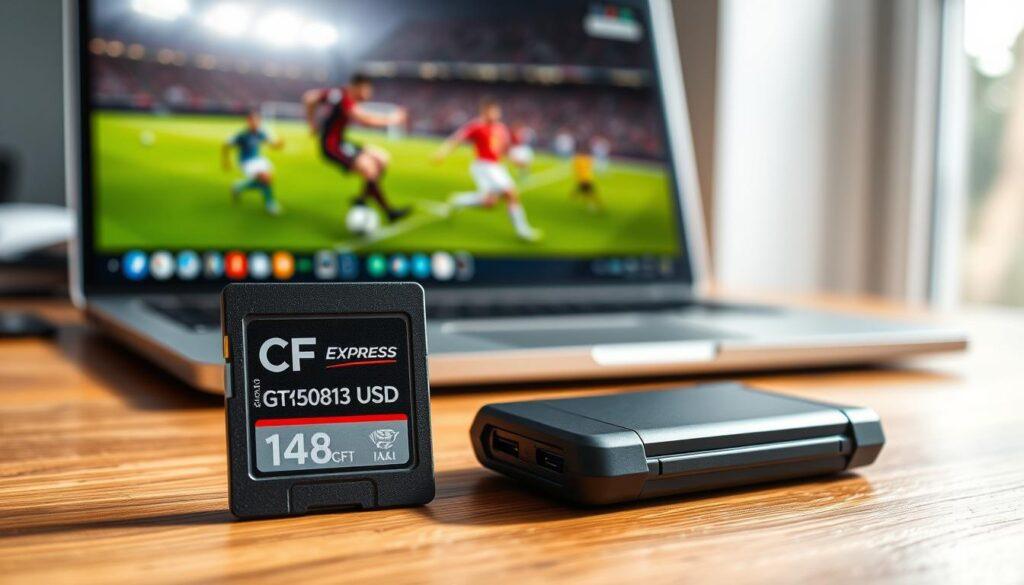
Culling is about being quick and decisive. You need to make tough choices fast, while the excitement is fresh. Use a simple rating system to decide quickly. One star means delete, five stars means keep. This saves you time later.
Tagging might seem less exciting, but it’s vital. It’s about making your files easy to find later. A simple tag like “Game4_QB_Smith_TD” is invaluable when a client asks for something specific. It turns your files into a valuable resource.
Here’s the on-field drill:
- Dump & Duplicate: Move all cards to the portable SSD. Check the transfer.
- Ruthless Review: Go through the SSD copy, rating files quickly.
- Keyword on the Fly: Tag the important files with basic tags—player, action, game.
- Card Reset: Format your CFexpress cards for the next game.
This process is the bridge between capturing and delivering photos. It’s what makes you a pro. Getting your capture settings right lets you shoot confidently. But mastering culling and tagging lets you deliver with authority. The speed of your card is nothing if the data is disorganized. Your workflow’s speed is limited by its messiest part.
Post-Game Backup and Delivery Options
The cameras are packed. The best shots are tagged. Now, the real magic happens off the field. This final phase isn’t a mundane chore. It’s a multi-layered exfiltration strategy where your data’s survival is the only plot point.
Forget bland best practices. Embrace the 3-2-1 rule as a narrative of survival. Three copies. Two different media types. One stored off-site. This is your data’s insurance policy against physical drive failure, theft, or a spilled coffee catastrophe. It transforms a simple backup into a fortress.
Delivery is the next heist. Is your payload best moved by physically shipping a rugged, bus-powered SSD? For terabytes of footage, this can be faster than any cloud upload. Or does your team need instant access? A Network-Attached Storage (NAS) system acts as a central, scalable vault, letting editors pull assets simultaneously.
The choice hinges on a classic triad: speed, cost, and security. A Thunderbolt dock feeding a RAID array back at base camp offers dependable performance for local teams. A cloud sync service provides an automatic, off-site backup that works while you sleep. Each option is a piece of a larger, scalable storage solution.
Your team’s work deserves a brilliant delivery. Building this bulletproof pipeline—from the field to the client’s inbox—is what separates a professional operation from a chaotic one. It ensures your story gets told.