
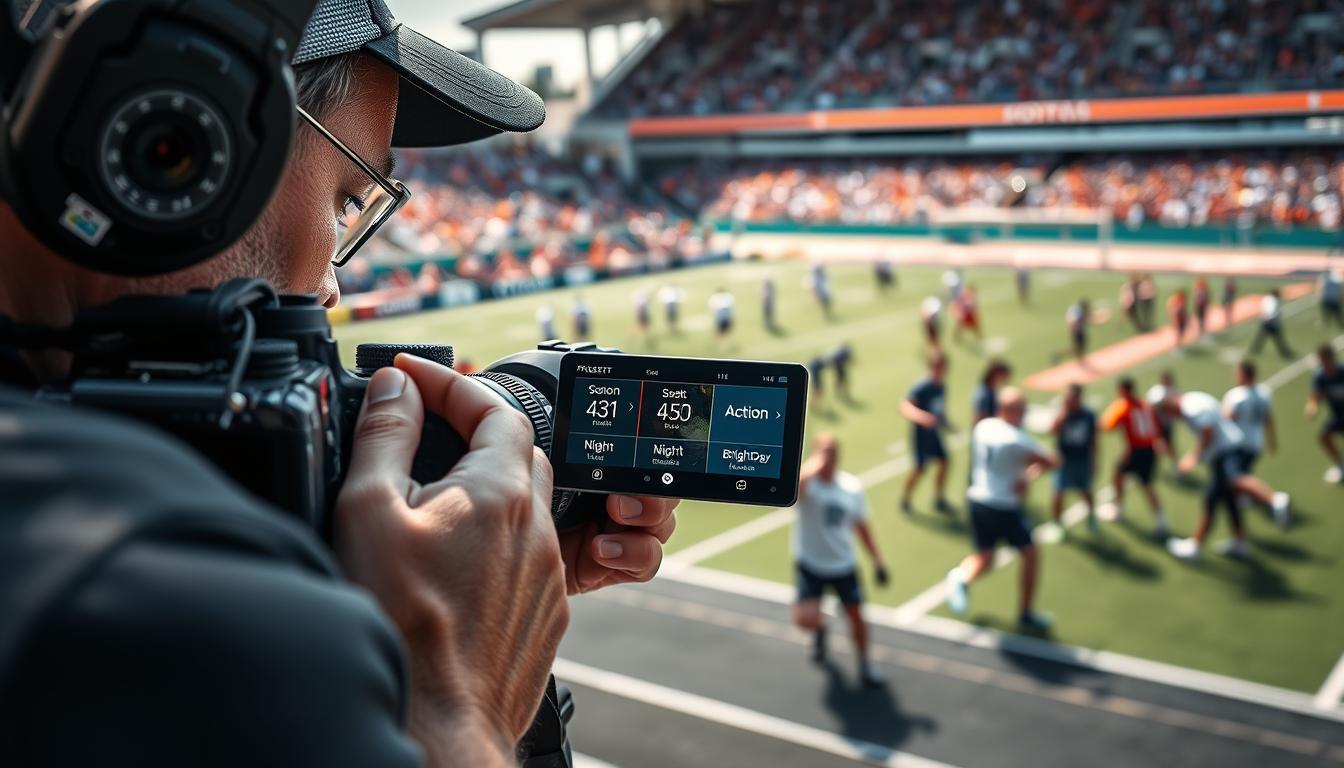
Let’s cut through the pixel-peeping nonsense. You know what separates a pro from a fanboy on the sidelines?
It’s not the megapixels. It’s the milliseconds. When the game-winning slide happens, your fancy sensor specs are worthless if your finger isn’t already on the right button.
The decades-old Nikon vs. Canon cold war taught us one sage-like truth. Ergonomics and customizable control matter more than any lab test. Seasoned shooters would prefer to complain about a missing function button than a slight noise profile.
Why? Because features like Nikon’s Auto ISO aren’t about automation. They’re about creating cognitive shortcuts. They free your brain to focus on composition and moment, not math.
This is the core of setting up your camera for specific types of shooting. Your camera is a tool, not a trophy. Like any good craftsman, you must grind the handle to fit your hand.
Think of it like tuning a sports car or programming a video game controller. The goal is intuitive speed. Mastering your custom modes is how you stop fighting your gear and start capturing the game.
Mapping Crucial Functions (AF-ON, Eye AF)
In the fast-paced world of sideline photography, your camera’s default settings are like showing up to a fight with a spoon. They make a lot of noise but don’t hit the mark. The real game starts with AF-ON and Eye AF.
I learned this the hard way. A running back broke through the line, a perfect moment of grit and grace. I pressed the shutter. My camera, following its factory programming, focused on the distant goalpost. The shot was a blurry mess. The problem? Focus was tied to the shutter button.
Decoupling them—assigning focus to a separate AF-ON button—is the first big step. It’s like driving a race car. You don’t want the accelerator and brakes on the same pedal. Why trust your camera to do two critical tasks with one finger?
Here’s the cold, analytical breakdown:
- Continuous Control: Your thumb on AF-ON tells the camera when to hunt. You track the subject, then release to lock. The shutter button is now a pure, reactive trigger.
- Predictive Power: You can pre-focus on a spot where action will happen, like the end zone, without the camera second-guessing you.
- Reduced Lag: Eliminating that micro-delay of “focus-then-fire” is the difference between a receiver’s hands meeting the ball and the ball already past him.
Eye AF is the perfect partner to AF-ON. If AF-ON is your quarterback calling the play, Eye AF is the star wide receiver who always finds the soft spot in the coverage. You manage the overall play with your thumb, while the camera’s AI handles the finesse of locking onto a face or an eye, even through a helmet cage.
Not all brands approach this with the same clarity. Some seem stuck in the modal button dark ages, burying these functions in menus only a cryptographer could love. Others, thankfully, have embraced the need for speed.
| Brand | Autofocus Philosophy | Button Mapping Verdict |
|---|---|---|
| Canon | Traditionally shutter-button-centric, but modern R-series bodies now offer deep AF-ON customization. It’s an evolution, not a revolution. | Getting there, but you can sense the legacy baggage in the menu trees. |
| Nikon | The D500 was a legend for a reason: speed and customization were its religion. The Z9 and Z8 continue this, treating photographers like co-pilots. | This is a brand that, historically, gets the sports shooter’s brain. |
| Sony | Born in the mirrorless era, its DNA is programmability. Every button is a blank slate, begging to be turned into a specialized tool. | The gold standard for turning your camera into a personal extension of your reflexes. |
The goal isn’t just to change a setting. It’s to engrave new recall settings into your muscle memory. Your thumb should find AF-ON without a conscious thought, the same way a pianist finds middle C.
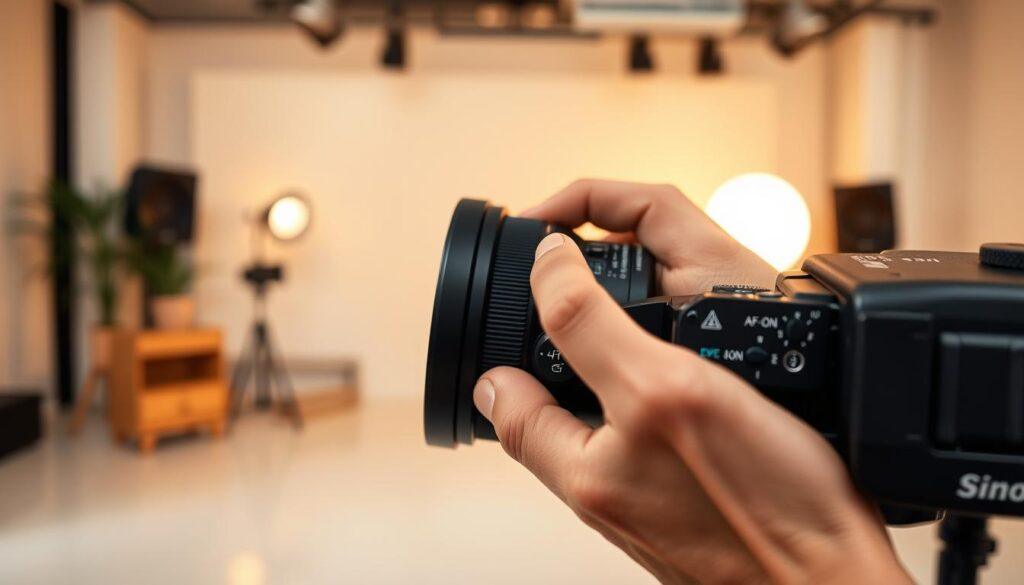
This mapping is your foundation. It transforms the camera from a complex computer into an intuitive instrument. You’re not operating menus; you’re reacting to the game. Mastering these recall settings is a discipline, much like the deep dive into custom buttons and settings for video work. The principle is identical: configure for instinct, not for thought.
Once your fingers know this dance by heart, you’re ready for the next level. You can build entire shooting modes—different plays for different game situations—around this core control. That’s where banks and presets turn a good setup into a championship strategy.
Save/Recall Banks for Sports vs. Team Photos
Ever feel like your camera’s quick menu is a digital Rubik’s Cube you can’t solve before the play clock expires?
Let’s unpack this. Your camera’s memory banks are not a storage unit. They are like a photographic wardrobe. You wouldn’t wear cleats to a board meeting. So why use the same camera settings for a chaotic sideline scramble and a formal team portrait?
This is the art of the preset. It’s about building situational profiles that let you switch contexts faster than a quarterback calls an audible.
Is your camera’s quick menu actually quick, or is it a digital labyrinth? The answer depends on whether you’ve packed the right kit for the job.
I use a method borrowed from seasoned gear guides. You tailor your bag for wildlife, sports, or travel. Apply that logic to your camera’s brain. We’ll construct two distinct recipes.
The Sports Action Bank: This is your high-velocity kit. It prioritizes freezing motion and tracking unpredictable subjects.
- Exposure: Shutter Priority (Tv/S) or Manual with Auto ISO. Your shutter speed is king—1/1000s or faster to stop a sprint.
- Autofocus: Continuous AF (AI Servo/AF-C) with a dynamic or zone area mode. This is where your mapped AF-ON button earns its keep.
- Processing: A neutral or standard Picture Profile. You want clean files for later editing, not in-camera drama.
The Team Portrait Bank: This is your controlled, deliberate setup. It’s about depth, detail, and flattering light.
- Exposure: Aperture Priority (Av/A) or Manual. Dial in an aperture like f/5.6 to f/8 to ensure everyone in the second row is sharp.
- Autofocus: Single-shot AF (One-Shot/AF-S) with a single point or small zone. Precision over tracking.
- Processing: A tailored Picture Control. Maybe a “Portrait” style with softer sharpening and warmer tones for skin.
| Setting Category | Sports Action Bank | Team Portrait Bank |
|---|---|---|
| Shooting Mode | Shutter Priority / Manual | Aperture Priority / Manual |
| Primary Goal | Freeze motion, track subjects | Ensure group sharpness, control depth |
| Key AF Setting | Continuous AF, Dynamic Area | Single-shot AF, Single Point |
| ISO Preference | Auto ISO (with min. shutter speed) | Low, fixed ISO (e.g., 100-400) |
| Picture Control | Neutral / Standard | Portrait / Custom Profile |
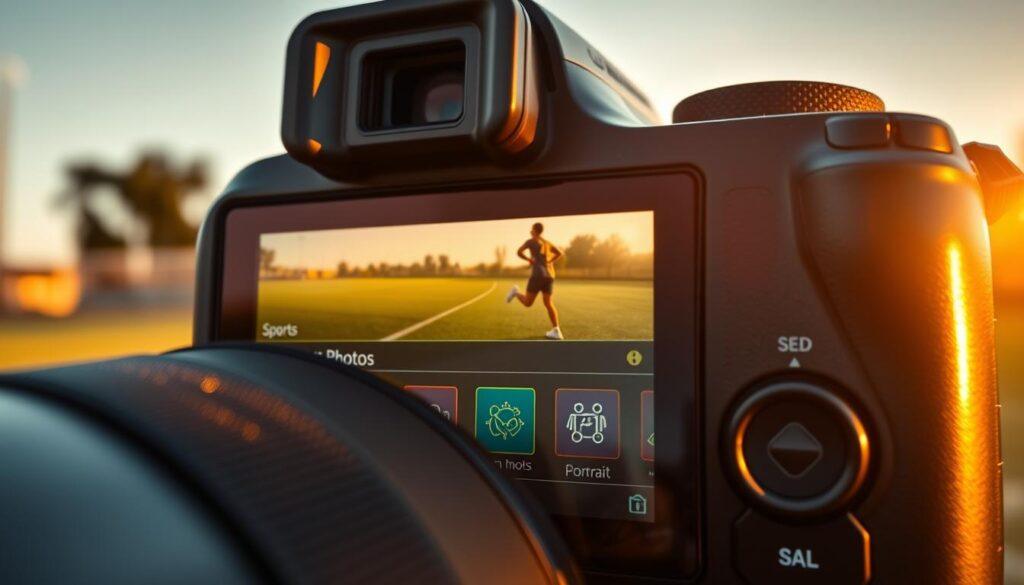
Building these profiles is the first step. Saving them is where you save your game. Navigate to your camera’s memory bank or preset registration (often in the custom shooting menu).
Store your Sports recipe in Bank A. Save your Portrait recipe in Bank B. Name them clearly. This isn’t a cryptic art project.
Now, the recall. This is where a well-configured quick menu transforms from labyrinth to lifeline. Assign your bank selection to a custom button or a prominent slot in that menu.
Switching from sideline to team huddle becomes a two-click operation. It’s recalling your sanity as much as your settings.
You’re no longer fumbling with dials while the coach glares. You’ve changed your camera’s entire personality during a commercial break. That’s the power of a tailored bank system.
So, ask yourself: is your quick menu set up for speed, or for scavenger hunts? Your answer will define your next shoot.
Practice Drills
Having fancy Custom Buttons & Presets is useless if you can’t use them fast. You need to practice until they’re second nature.
I learned this the hard way. In a critical moment, I was frantically searching through menus. The shot was lost. Knowing your gear is not enough without instinct.
Let’s get you practicing. Here are two drills to make your setup second nature.
Drill One: Blind Button Mapping. Find a quiet spot. Close your eyes. You need to switch from single-point AF to your tracking setup, then back to back-button focus. Do it by touch. Keep repeating until it feels automatic. This is how you truly know your gear.
Drill Two: Scenario Switching. Imagine a busy event. Start in “Sports” mode. Take a few pretend shots. Then, quickly switch to “Portrait” mode for a fake team photo. Switch back. Aim for smooth transitions without pause.
Practice isn’t about being perfect right away. It’s about creating muscle memory for your Custom Buttons & Presets. Stop tweaking and start practicing. That’s how you become a quick and skilled photographer.